


In IT and service management, it’s easy to focus on the customer-facing parts — the dashboards, the response times, the flashy metrics in the SLA. But underneath that polished exterior, there’s an internal framework quietly doing the heavy lifting. That’s where Operational Level Agreements, or OLAs, come in.
If you’ve ever had a service commitment fall apart because one internal team didn’t realize what the other was supposed to do — or when — chances are the real issue wasn’t technical. It was structural. That’s precisely the kind of confusion OLAs are designed to prevent.
Let’s take a closer look.
What Is an Operational Level Agreement?
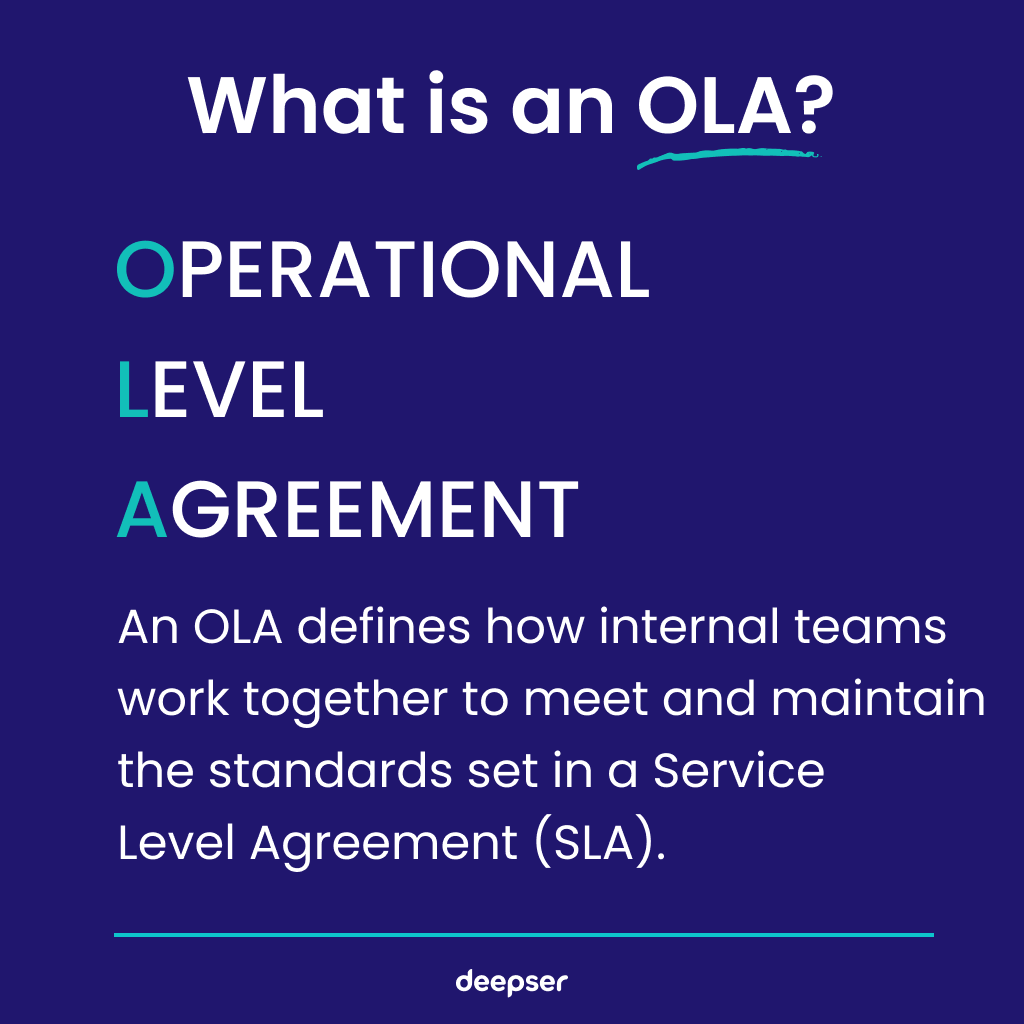
At its core, an Operational Level Agreement is an internal contract. It’s not for customers or clients — it’s for the teams inside an organization that support a shared service. Think of it as a mutual understanding, documented and structured, between departments.
For example, imagine your organization promises users that password reset requests will be resolved within 30 minutes. That’s part of your SLA. But to make that happen, the service desk might rely on the identity management team to unlock accounts, the network team to ensure access, and maybe even the HR system for user verification. Each of those responsibilities needs to be clearly defined. That’s what the OLA does.
The Internal Framework Behind External Promises
One of the biggest challenges in delivering consistent service lies not in the customer interaction, but in the coordination between internal teams. Without clear boundaries and expectations, internal handoffs become unreliable — and that unreliability eventually surfaces in the user experience.
OLAs solve for this by defining internal accountability.
They set expectations for timelines, workflows, dependencies, and contingencies — all behind the scenes. Most users will never hear about them. And that’s the point. When OLAs are working, everything appears seamless from the outside.
A fitting analogy: A restaurant may promise a 30-minute meal delivery (SLA). But that’s only possible because the kitchen, the wait staff, the dishwashers, and even the suppliers have internal agreements on what needs to happen and when (OLA). If the kitchen’s prep time slips, the whole service chain is delayed — and the diner doesn’t get their meal on time.
SLA vs. OLA: Two Sides of the Same Coin
The relationship between SLAs and OLAs isn’t hierarchical — it’s interdependent.
An SLA sets the public-facing commitments: uptime guarantees, resolution timelines, support availability, and so on. But those commitments rely on the coordinated efforts of internal units — and that’s where OLAs come in.
When an OLA breaks down, so does the SLA.
Let’s say a customer calls about a billing issue. Your SLA says you’ll resolve it within 24 hours. But what if the finance team takes 48 hours to verify payment data, and that dependency isn’t reflected in your OLA? Suddenly, your SLA is in breach — and the customer doesn’t care that it’s because of an internal delay.
Without OLAs, SLAs are built on assumptions. With OLAs, they’re built on structure.
Who Owns What? Defining Roles in an Operational Level Agreement
One of the most valuable things an operational level agreement brings to the table is clarity.
Inside large organizations — especially in IT, DevOps, or cross-functional service environments — it’s not always obvious who’s supposed to do what. Workflows can span three or four departments, and without a shared document mapping those responsibilities, things slip through the cracks.
A well-structured OLA defines:
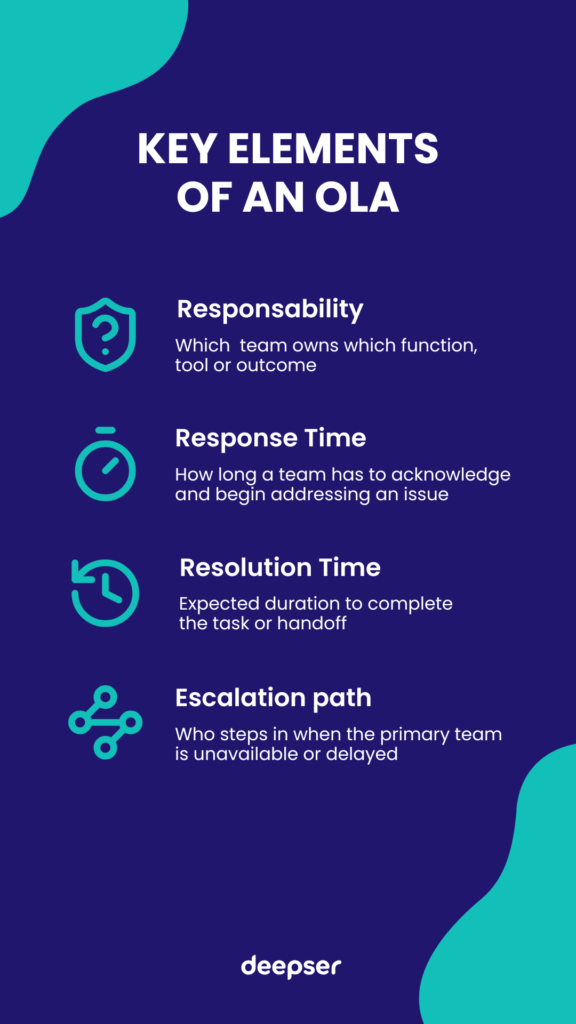
- Responsibility: Which team owns which function, tool, or outcome.
- Response time: How long a team has to acknowledge and begin addressing an issue.
- Resolution time: Expected duration to complete the task or handoff.
- Escalation path: Who steps in when the primary team is unavailable or delayed.
Let’s be honest: No one wants to be told, “That’s not my job,” when an SLA is about to be breached. OLAs help prevent that kind of ambiguity from arising in the first place.
What Goes into an Operational Level Agreement?
While formats may vary depending on the organization, most OLAs contain a few core sections:
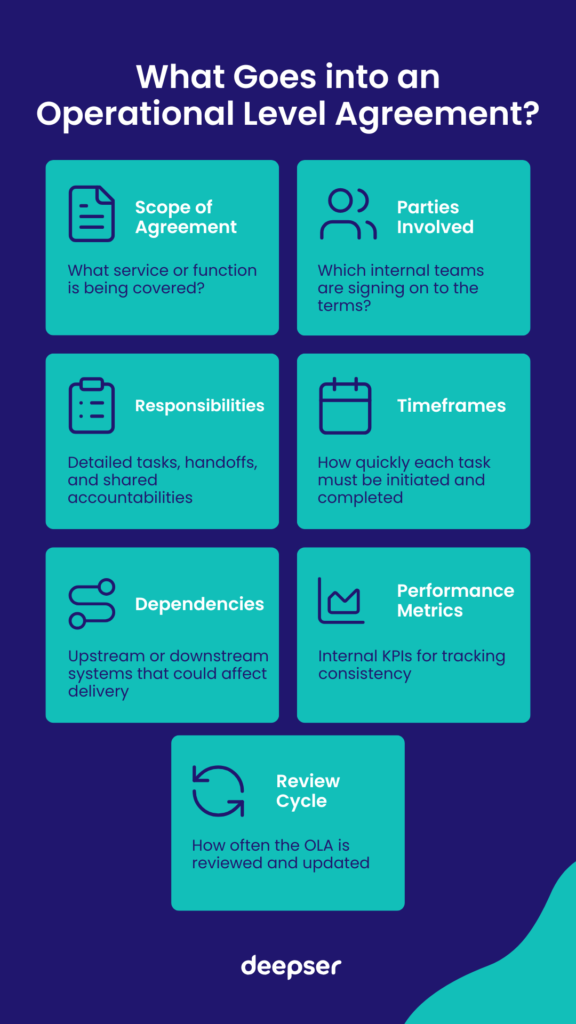
- Scope of Agreement – What service or function is being covered?
- Parties Involved – Which internal teams are signing on to the terms?
- Responsibilities – Detailed tasks, handoffs, and shared accountabilities
- Timeframes – How quickly each task must be initiated and completed
- Dependencies – Upstream or downstream systems that could affect delivery
- Performance Metrics – Internal KPIs for tracking consistency
- Review Cycle – How often the OLA is reviewed and updated
Here’s a snippet from a hypothetical OLA:
“The IT Infrastructure Team agrees to provision all new employee laptops within 2 business days of receiving a completed onboarding ticket. Delays caused by unavailability of hardware will be escalated to Procurement within 24 hours of detection.”
Nothing fancy — just clear language with measurable expectations.
Creating Operational Level Agreements That Actually Work
Now, here’s the part people tend to underestimate: the tone and usability of an OLA matter.
An OLA shouldn’t be a document that gets signed once and shoved in a drawer. It should be actively referenced, updated, and embedded into team workflows.
A few suggestions:
- Keep the language accessible. Avoid vague phrasing or legalese. People need to use these documents, not decode them.
- Map it to your tools. Platforms like Jira, Service Now and Deepser can house and track OLAs, ensuring they’re integrated with your service management workflows.
- Update regularly. Technology shifts fast. Your OLA should evolve with changes in infrastructure, personnel, or processes.
Misconceptions About OLAs: Bureaucracy or Backbone?
One of the most common criticisms of OLAs is that they’re just another layer of red tape.
That’s understandable — no one wants more paperwork. But that perception usually stems from poorly written OLAs or those created for compliance alone.
A good OLA doesn’t micromanage. It removes ambiguity.
And ironically, when teams know exactly what’s expected, they have more freedom — not less — to focus on delivery, innovation, or customer engagement.
OLAs and Organizational Culture: A Two-Way Street
It’s tempting to treat OLAs as purely technical. But their success is just as dependent on team dynamics and organizational culture.
An OLA assumes that people will:
- Respond in good faith.
- Communicate delays or changes.
- Respect each other’s time and responsibilities.
That’s not always a given.
Teams with poor communication or siloed mentalities struggle to maintain effective OLAs. On the flip side, organizations that foster collaboration and mutual respect often find OLAs enhance — rather than hinder — productivity.
In other words: You can’t document your way out of a broken culture. But you can use documents like OLAs to support and sustain a healthy one.
Do You Actually Need an OLA? (The Honest Answer)
Not every organization needs a library of formal OLAs. But many need at least a few — and some need them badly.
How to know you might need one:
- Internal tasks repeatedly stall or get bounced between teams.
- SLA breaches often come down to internal delays or miscommunication.
- New hires struggle to understand workflow ownership.
- “Unspoken rules” differ from team to team.
Industries where OLAs are most critical:
- Finance: For compliance-driven processes with multiple internal checks.
- Healthcare: Where delays or confusion can affect patient outcomes.
- Cloud services & SaaS: With complex internal systems behind user-facing guarantees.
Sometimes, teams are already operating under OLAs — they just haven’t written them down. That can work, until someone leaves, priorities shift, or something breaks.
Final Thoughts: The Value of Clarity Behind the Curtain
Operational Level Agreements don’t solve every problem. But they solve a specific kind—the kind that creeps in when no one’s quite sure who’s supposed to do what, by when, or why it matters.
They’re not flashy. They won’t impress your end users like SLAs do. But they’ll help your teams deliver more consistently, with less friction, and more confidence in their shared responsibilities.
So if you’re part of a service-driven organization, ask yourself:
- Do our teams have clear, shared expectations?
- Are we relying on assumptions where we could use structure?
- Are our internal workflows supporting — or undermining — our external promises?
If the answer feels uncertain, it might be time to take a closer look at your OLAs.
Deepser to Manage SLAs and OLAs Without the Headaches
If by now you think OLAs could help your organization, and are looking for a way to keep your SLAs and OLAs visible, enforceable, and actually useful, Deepser is worth your attention.
It’s more than just a ticketing system, it’s a flexible, modular ITSM solution that gives you full control over your service workflows, including internal agreements like OLAs and customer-facing SLAs.
What makes Deepser particularly effective for managing OLAs?
- Visual tracking: You’re not just uploading documents. Deepser lets you actively monitor whether teams are meeting their internal commitments, and where bottlenecks occur.
- Configurable alerts: Teams get notified before an OLA threshold is missed, not after the SLA fails. That’s a huge step forward in being able to act before things escalate.
- Data-driven reviews: Reporting features make it easier to review OLA performance during retrospectives or quarterly planning — especially helpful for organizations committed to continuous improvement.
What’s also refreshing about Deepser is its clean interface and modular approach. You can scale it to fit small teams or enterprise environments without feeling like you’re over-engineering your service desk.
Think of it as moving from shared spreadsheets and manual tracking into a smarter, more automated service ecosystem — where internal and external expectations are connected, not siloed.
For teams juggling complex dependencies or distributed responsibilities, Deepser gives you the structure to manage SLAs and OLAs — without making it feel like you’re drowning in configuration. If you want you can give it a try yourself with our Free 14 Days Demo (Credit Card Not Required).



